Start here
Before you begin.
What a VA does, what employers ask for in 2026, and how to use this guide.
- 0What a VA does in 2026
AI in every chapter
The whole virtual assistant job in one guide. Written for total beginners.
A 112-page PDF. Download it right after you pay.
Clear pages, real examples and plenty of space. Tap a page to see it up close.
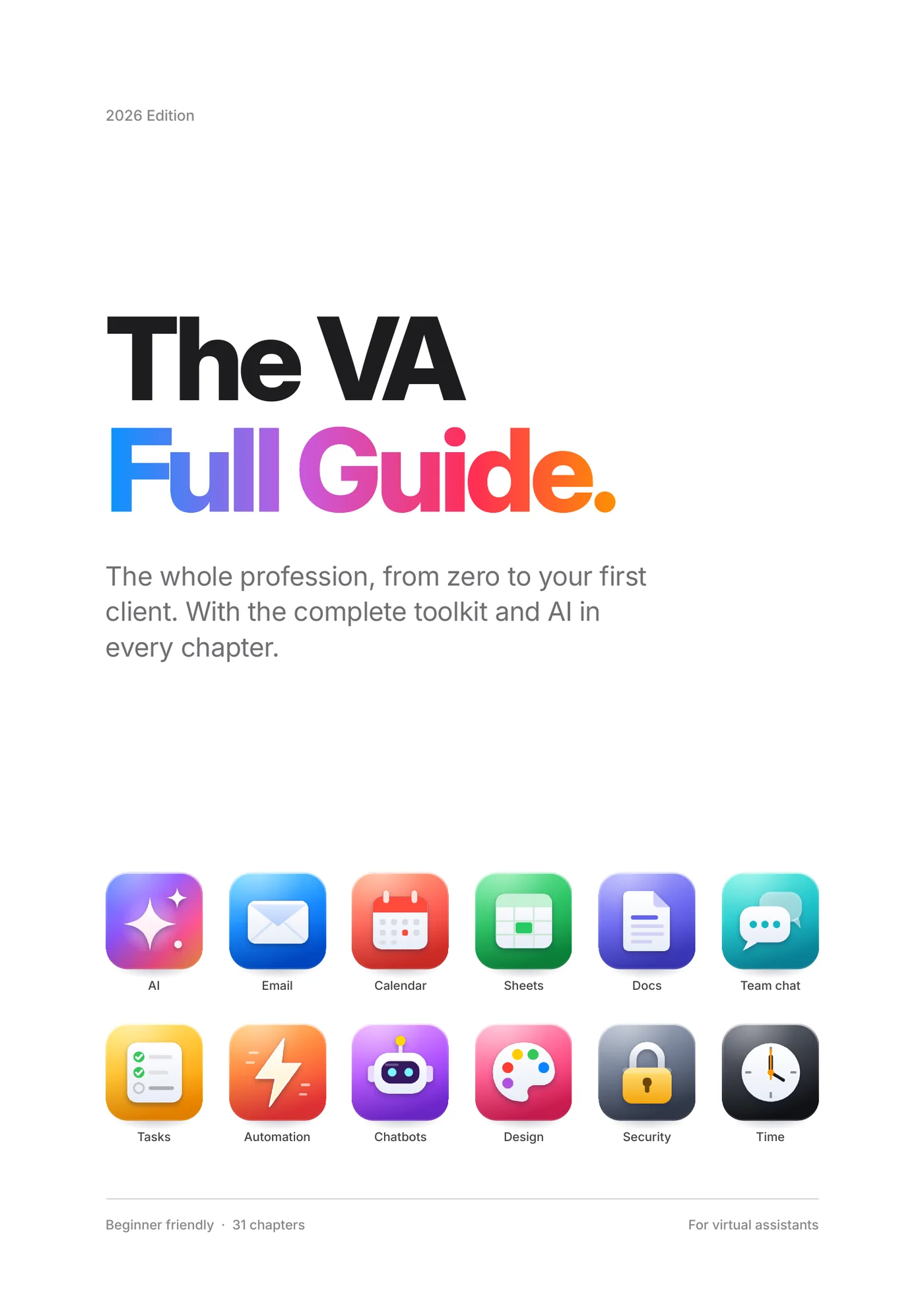
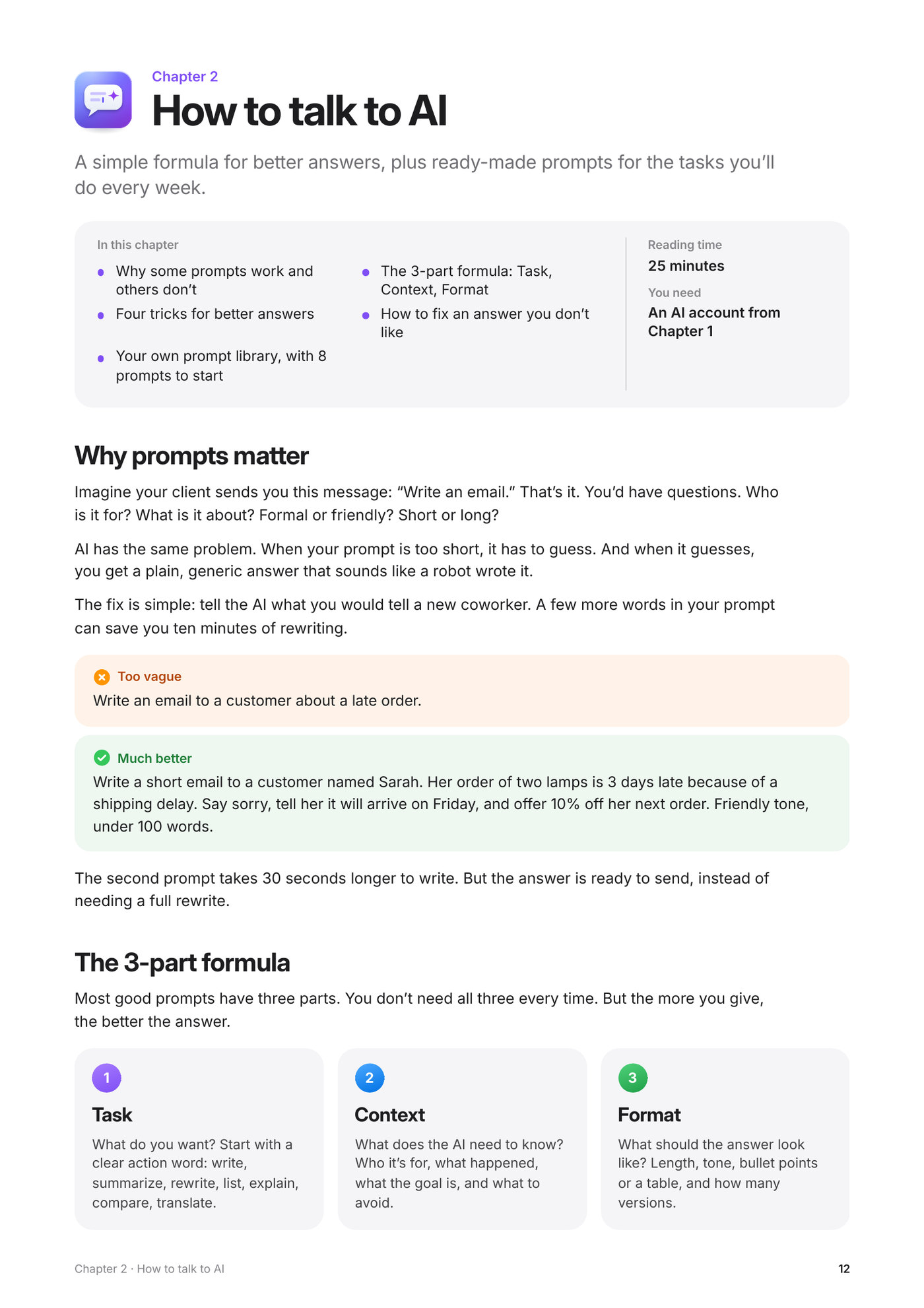
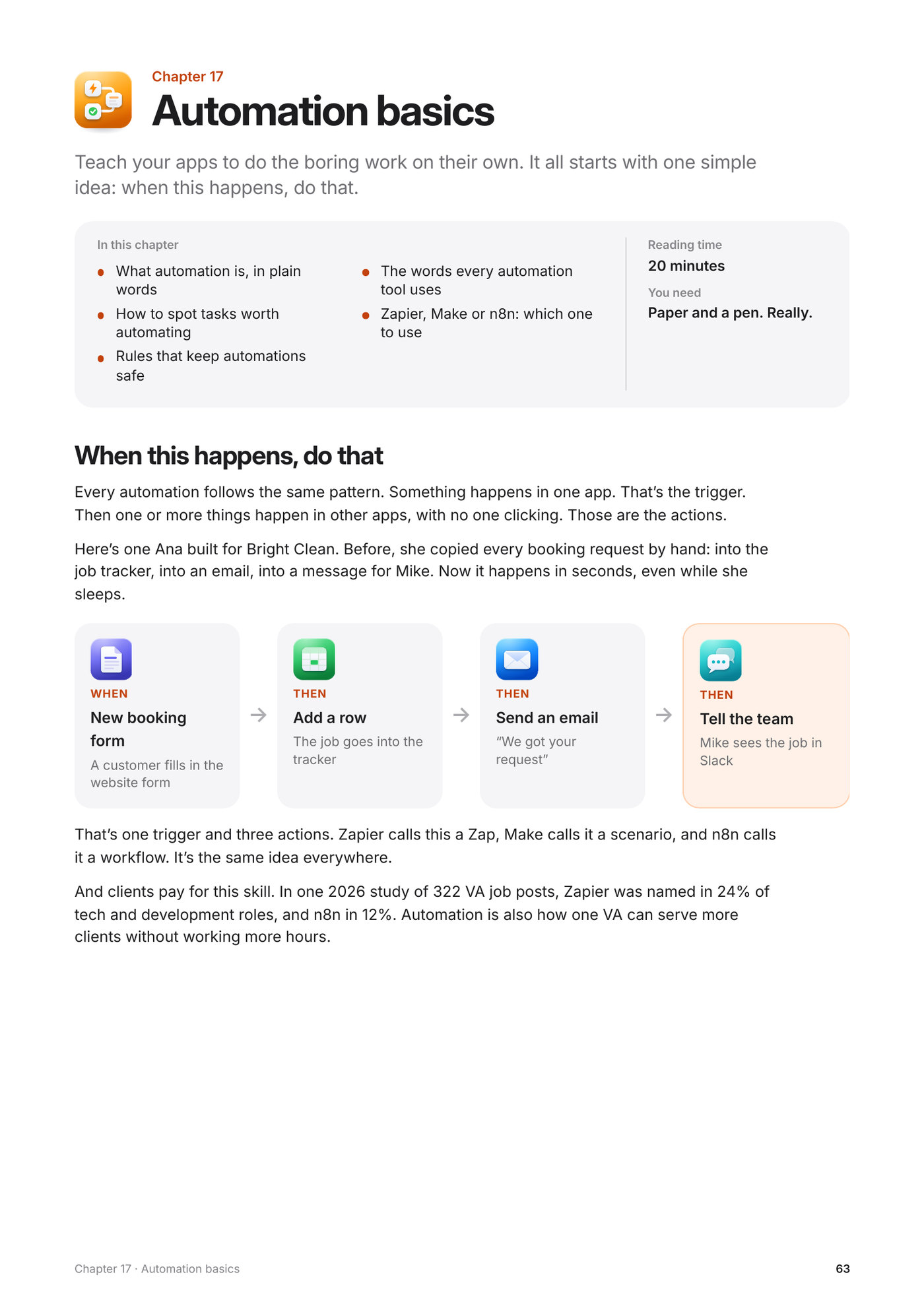
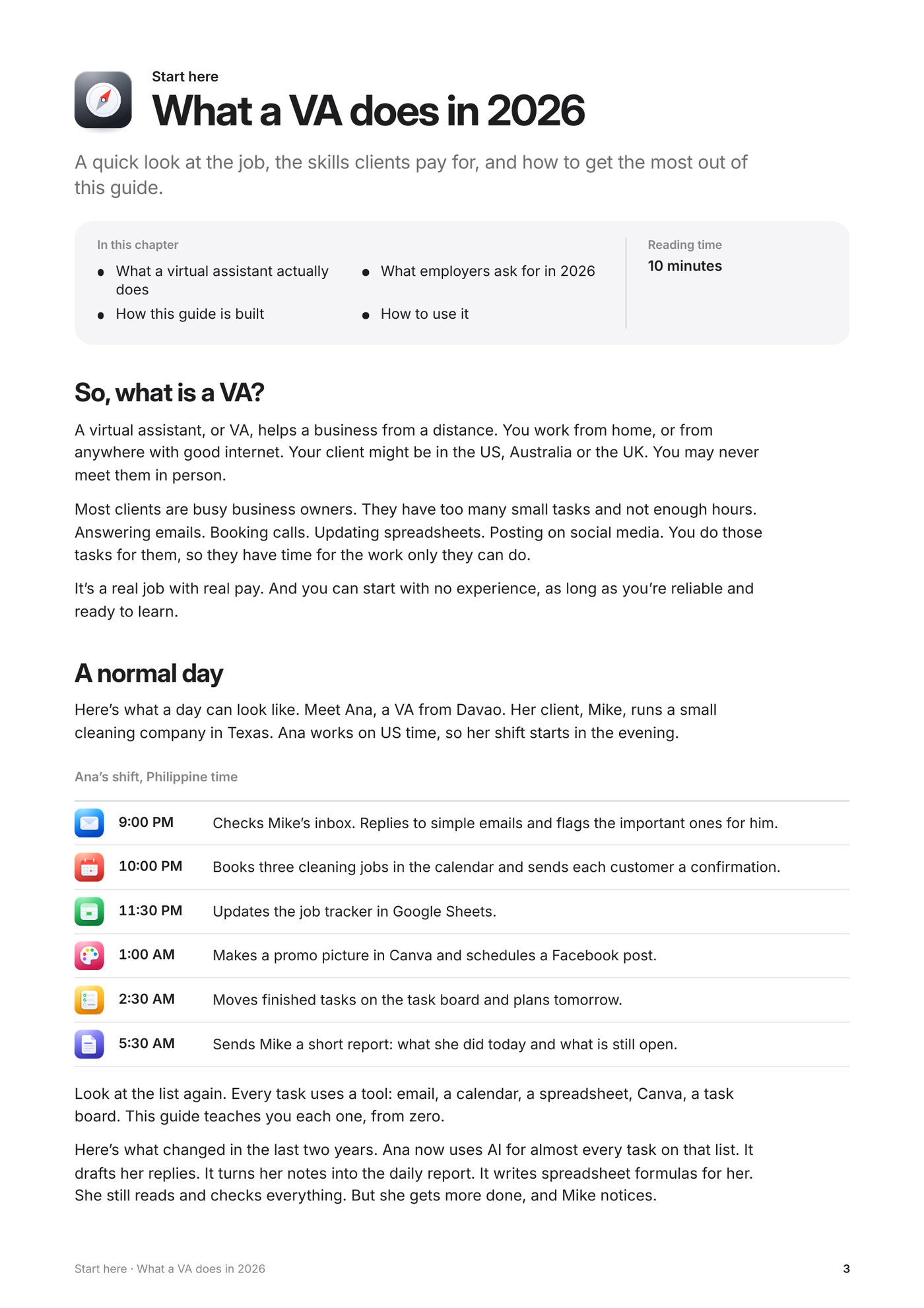
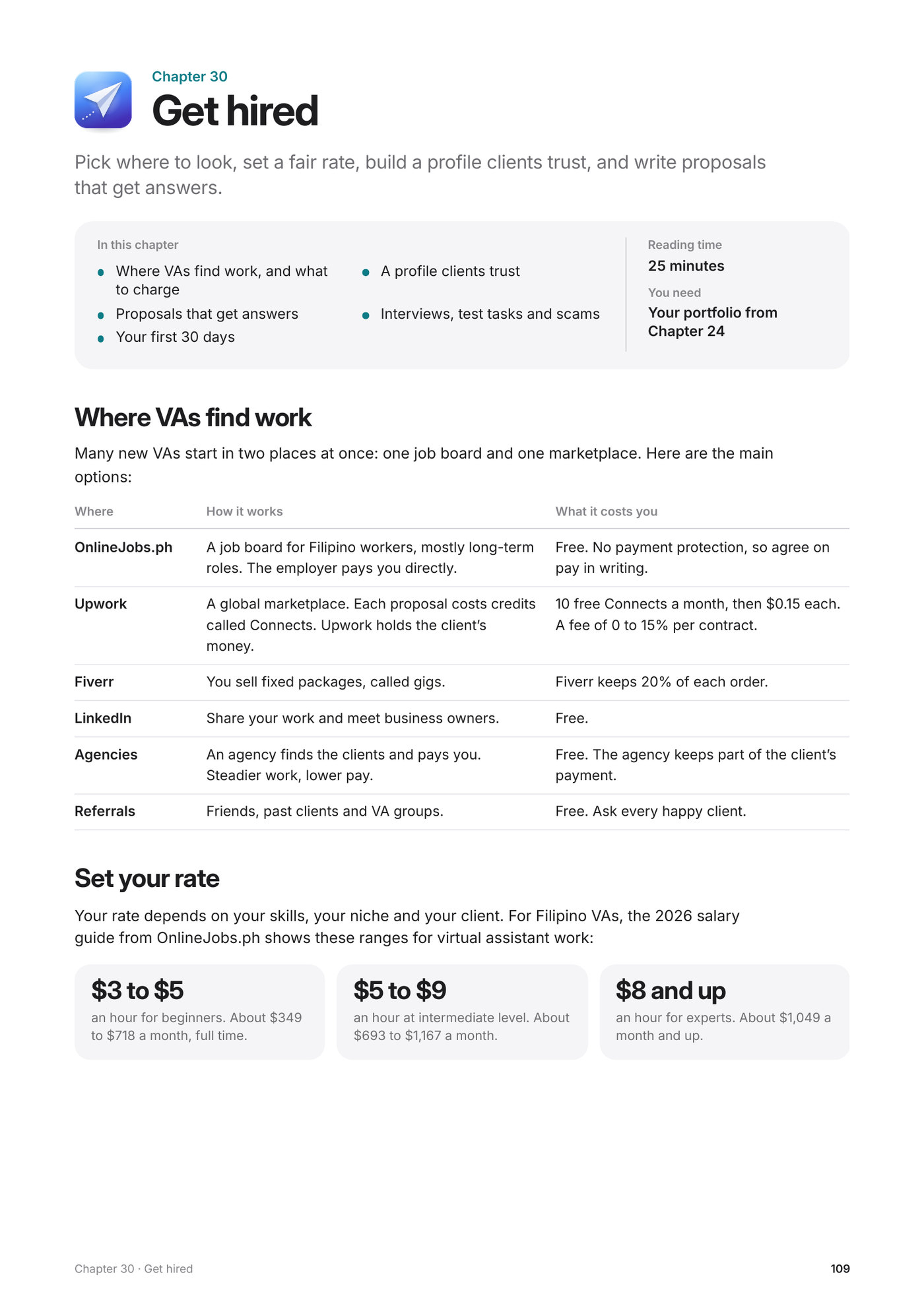
Start with AI. Learn the apps you’ll use every day. Then automate the boring work, pick a specialty and get hired. 31 chapters, about 12 hours of reading.
Start here
What a VA does, what employers ask for in 2026, and how to use this guide.
Part 1
ChatGPT, Claude, Gemini and Grok. Good prompts, safe habits, your own assistant, and bots that work for you.
Part 2
The apps you’ll open every day, each one from zero. Every chapter shows how AI makes the work faster.
Part 3
Connect your apps so the boring work runs on its own. Build simple chatbots, follow up with every lead, and show clients proof of what you built.
Part 4
Social media, online stores, bookkeeping and lead generation. Pick the ones that fit you.
Part 5
How to keep clients happy, get paid, set your rate and find your first client.
Part 1 teaches ChatGPT, Claude, Gemini and Grok from zero. After that, every chapter shows how AI can do part of the work, and how you check it.
1 in 3
marketing, design and tech VA jobs mention AI.
VA Masters, 322 VA job posts, February to August 2026.
AI chat
You
Rewrite this so it sounds friendly and professional. Keep it short: hi mike the plumber cant come tmrw he said thursday maybe?? should i book it
AI
Hi Mike, quick update: the plumber can’t come tomorrow. He suggested Thursday instead. Would you like me to book it? Thanks, Ana
From chapter 1, Meet your AI assistants
Ana is a VA from Davao. Her client Mike runs a small cleaning company in Texas. You follow her real tasks, messages and even her mistakes, all the way to asking for a raise.
Ana’s shift, Philippine time
Small tasks you do right away, in the real apps. Please don’t skip them.
Try it
Add a second time zone to your Google Calendar. Create one complete event like Ana’s, and set up a free booking page with a test meeting.
From chapter 7, Calendar and scheduling
Change the parts in [brackets], then paste them into ChatGPT, Claude or Gemini.
Prompt
A customer sent this message: [paste the message]. Write a polite reply. Say sorry for the delay and tell them their order will arrive by [date]. Keep it under 80 words.
From chapter 1, Meet your AI assistants
Most tools in the guide have a free plan, and you always start with it. When something costs money, the guide tells you how much. Every price was checked in November 2026.
All you need
For Filipino VAs, the 2026 salary guide from OnlineJobs.ph shows these ranges. Chapter 30 shows you how to set your rate and find your first client.
Beginner
$3 to $5
an hour. About $349 to $718 a month, full time.
Intermediate
$5 to $9
an hour. About $693 to $1,167 a month.
Expert
$8 and up
an hour. About $1,049 a month and up.
Source: OnlineJobs.ph, “Comprehensive Guide to Virtual Assistant Salaries in the Philippines”, April 2026.
Yes. It was written for total beginners. Chapter 0 explains what a VA does and what clients pay for. New words are explained in plain English, and the sentences are short, so it’s easy to follow even if English is your second language.
One PDF with 112 pages: 31 chapters in 5 parts. It opens on your phone, tablet or computer, and you can download it right after you pay. Reading the whole guide takes about 12 hours, plus the practice tasks.
No. To start, you need a computer, stable internet and a free Google account. Most tools in the guide have a free plan, and the guide always starts with it. When something costs money, it tells you how much.
That’s what Part 5 is for. You’ll learn where VAs find work, how to set your rate, how to write proposals that get answers, and how to spot scams. Chapter 24 helps you build a small portfolio to show clients.
No guide can promise you a job. But you’ll know what clients ask for, and how to show them you can do it.
Yes. This is the 2026 Edition. Every price, free plan and AI tool in it was checked in November 2026. Each chapter lists its sources at the end, so you can check them yourself.
2026 Edition. From zero to your first client.
₱690
One payment. The PDF is yours to keep.
Buy for ₱690Download it right after you pay.